
Check PlayWeld releases and update verification
Understand package availability, source identity, checksums, signatures, and the limits of update and rollback evidence.
On this page
A source version, a generated package, and a verified installed update are different facts. Use the official release list to check the assets actually available for your operating system.
Inspect a release before using it
Read its notes, channel, platform, compatibility requirements, source identity, and known limitations. A version shown inside a documentation screenshot identifies that captured runtime; it does not establish an installer published with the same number.
Testing prereleases are intended for evaluation. Keep important profiles and projects separate from a disposable test installation. Use the source release guide for its version-specific launch and packaging instructions.
Check verification stages separately
| Stage | What it establishes |
|---|---|
| Discovery | Release metadata was found |
| Download | The artifact was retrieved |
| Checksum | Bytes agree with the supplied digest |
| Signature | A valid signature was checked against a trusted configured key |
| Installed launch | The package starts on the selected host |
| Upgrade or rollback | The specific application and data transition was exercised |
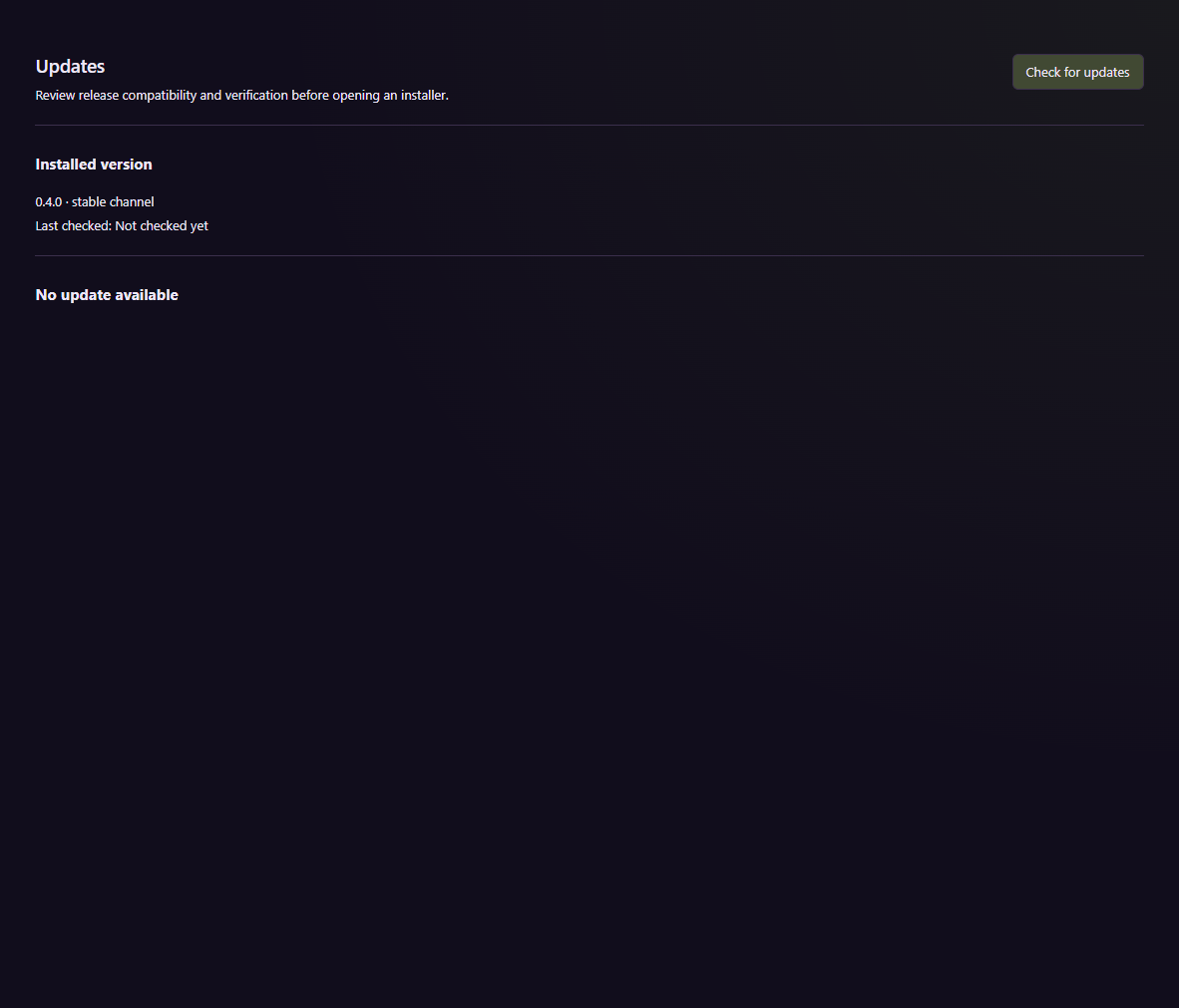
This configuration view does not show a completed installation or rollback.
A missing trusted key makes signature verification unavailable; it is not a verified publisher identity. Keep the downloaded artifact and its exact verification result.
Prepare for a state transition
Before updating, preserve an appropriate verified backup and the previous validated package. Older binaries may not understand newer data schemas. Restore into a separate location when a recovery drill requires it, and inspect the application, service, settings, and native files afterward.
The source records packaging and runtime evidence while retaining gaps around signing, installer lifecycle, and broader recovery. Do not infer accepted unattended updates from an offered release or a successful build.