
Inspect audit records and collect useful diagnostics
Connect a visible problem to its task, run, and tool call without sharing credentials or unrelated project data.
On this page
Audit & History helps explain which operation ran, what access decision it received, and how it finished. Persistent records are more useful than an isolated toast when diagnosing a failure.
Find the owning record
Select the intended project. Locate the relevant task, engine or DCC run, asset job, integration, or tool call. Note identifiers and timestamps so you can connect records across screens.
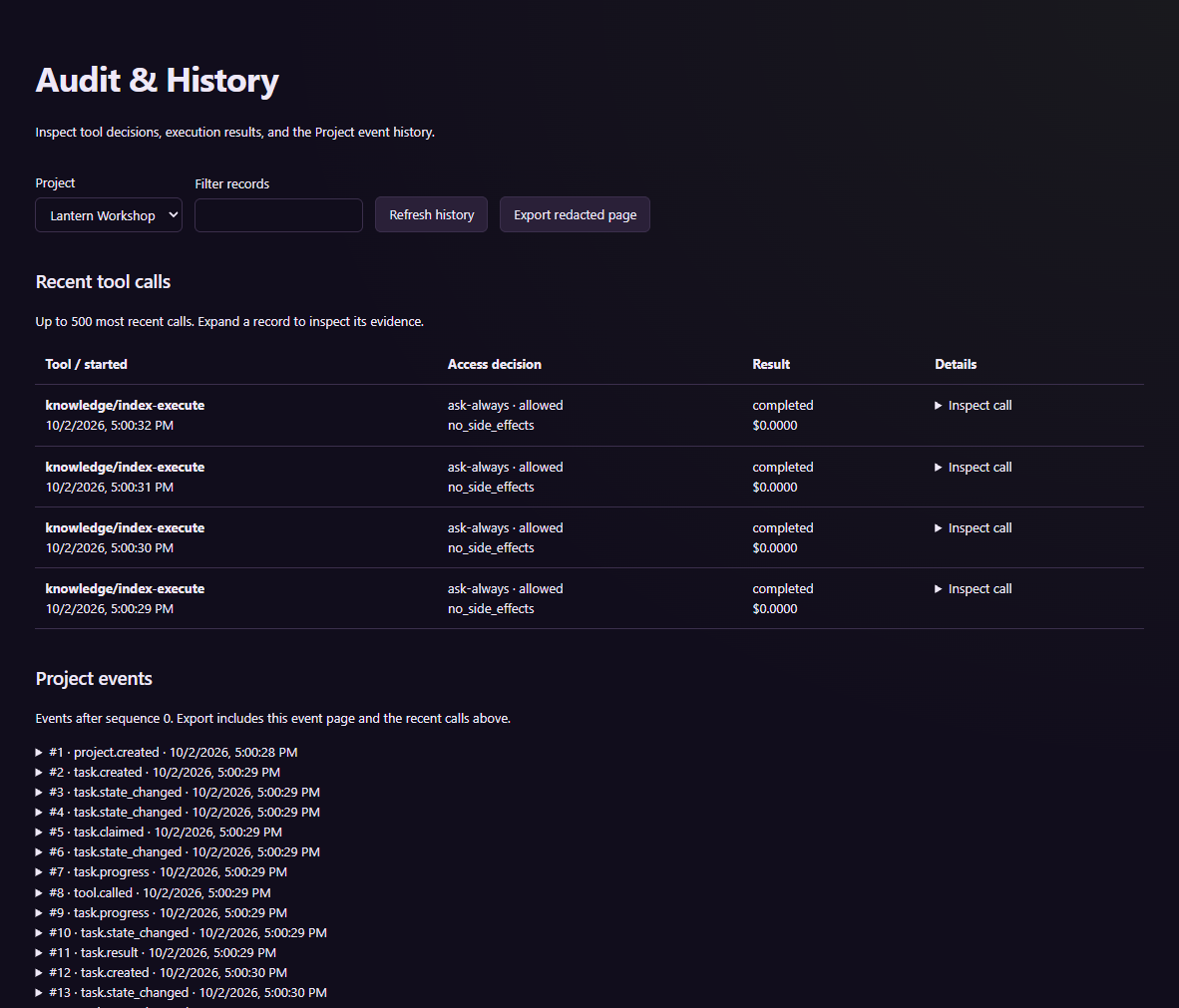
The screenshot shows an isolated tutorial profile with example records.
Inspect the operation name, effect classification, approval result, execution state, and error. A denied call, a failed runtime, and a task waiting for information need different responses. An export of one page contains only that selected page, not the entire project's history.
Check the service profile
From a built PlayWeld source checkout, the service CLI supports start, status, and stop through node packages/platform-service/lib/cli.js. Select the correct GAMECRAFTER_PROFILE_DIR before using it. Check the same profile in the application and diagnostic shell.
Do not remove lock or token files merely because the window is closed. The service may continue according to window.closeBehavior. Diagnose its actual ownership and state first.
Prepare a reproducible report
Include the application/source version, operating system, relevant engine or connector version, sanitized project identity, operation and record IDs, steps, expected result, and actual error. Preserve the first failing artifact before retrying.
Review logs and screenshots for provider keys, service tokens, recovery material, local paths, and private game content. Share only the evidence needed to explain the problem. Continue with setup troubleshooting or the backup runbook for a specific recovery path.